A repeatable focus-and-break routine for one clear piece of work.
A Klara account on desktop and a task you can work on now.
Meet Maya Bennett, a fictional Head of Operations. All screenshots show her demo workspace in the current Klara interface.
1. How do you set up Klara’s Pomodoro timer?
Choose a manageable outcome before starting. Maya might use a session to review customer interview notes. In the sidebar, click Focus timer to open Pomodoro settings. Set the focus length, short break, long break and number of focus sessions before a long break. Confirm with Set timer.
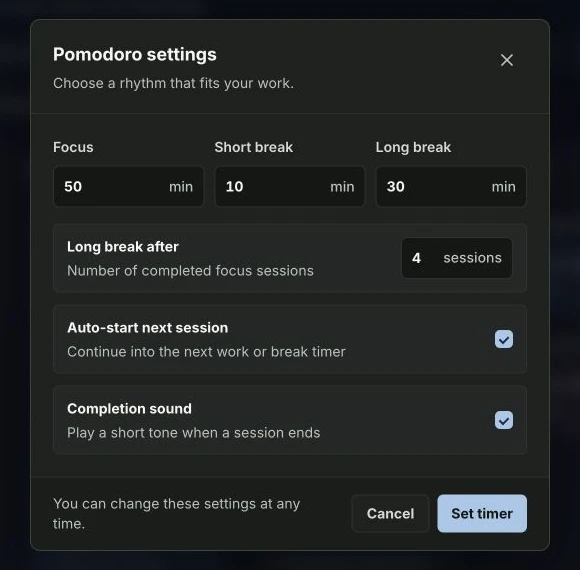
| Setting | Klara default | Shorter example |
|---|---|---|
| Focus | 50 minutes | 25 minutes |
| Short break | 10 minutes | 5 minutes |
| Long break | 30 minutes | 20 minutes |
| Long break after | 4 focus sessions | 4 focus sessions |
The shorter example is a starting point to try, not a requirement. Choose a session that fits before your next meeting and leave time for the break too.
2. What do Start, Pause, Reset and Skip do?
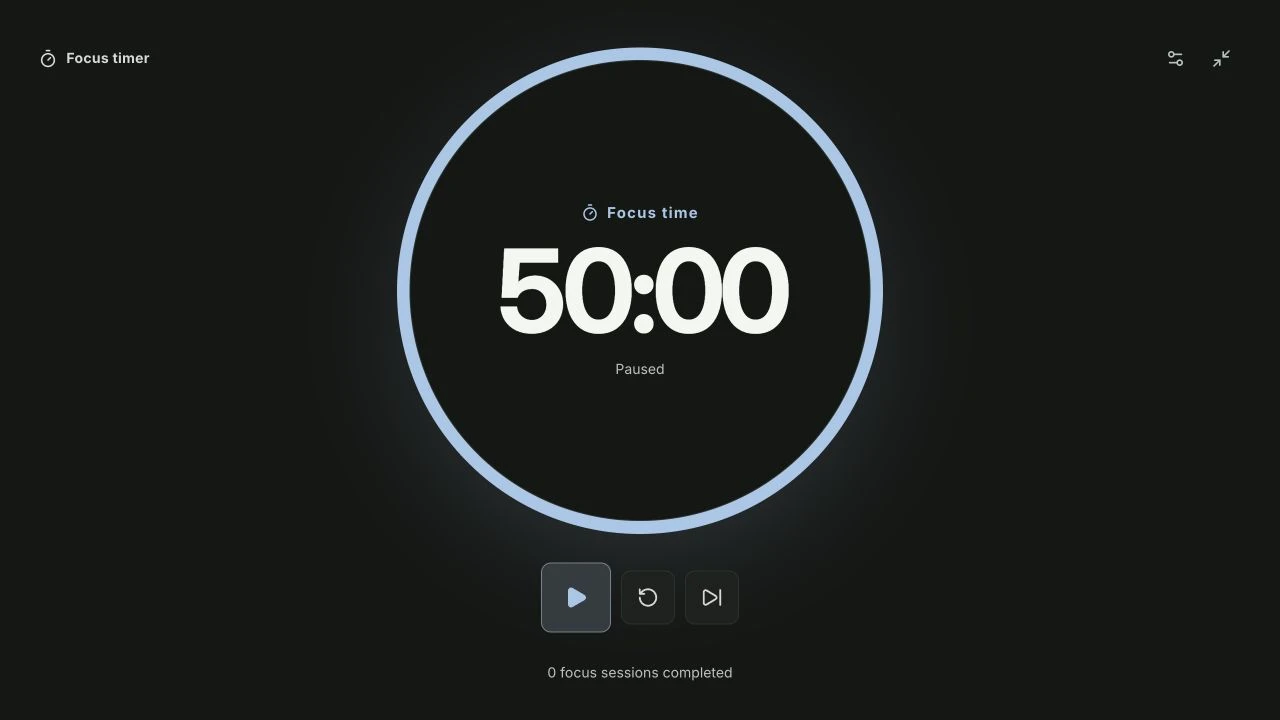
Use Start in the compact sidebar timer. Pause if you need to interrupt the session, Reset to return to the current session’s full duration, or Skip to move to the next session. Keep the task small: review one set of notes before opening another stream of work.
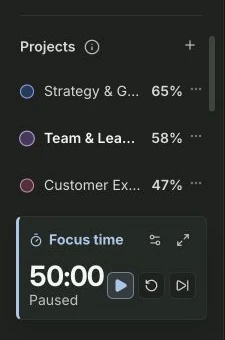
The timer works best when you already know which result you want from the session. Choose a concrete task on the Kanban board →
3. How do breaks and automatic transitions work?
After a completed focus session, Klara moves to a short break, or to a long break after the configured number of focus sessions. A break is followed by another focus session. Auto-start next session and Completion sound are enabled by default. Turn auto-start off if you want to start each new session yourself.
- ChooseOne concrete result
- FocusWork until the cue
- BreakStep away from the task
- ReviewDone or another session?
How does Pomodoro fit around meetings and timeboxing?
Timeboxing reserves time in the calendar; a Pomodoro timer provides the work-and-break rhythm within that time. Include the break in your plan. A 50-minute focus session plus a 10-minute break needs 60 minutes. A 25-minute focus session plus a 5-minute break needs 30 minutes. These are planning examples, not required session lengths.
If only 45 minutes remain before a meeting, choose a shorter focus session and leave a break, or choose a smaller task. Starting the timer does not create a calendar slot, move a meeting or complete a task. Review the result yourself before marking the card done.
Further reading
About this guide and its examples
Published by Klara. Written with AI assistance; product behavior checked on . The 50/10/30-minute defaults, four-session long-break interval, timer controls, automatic transitions and browser-local persistence were checked.
Screenshots were captured in the fictional Maya Bennett demo workspace on 28–29 October 2026. Illustrative calculations and suggested OKR targets are examples, not measured customer results. For corrections or questions, use the contact details in our legal notice.