A week organized around meaningful work areas, with relevant next actions easier to find.
A Klara account on desktop, at least one project and tasks assigned to it.
Meet Maya Bennett, a fictional Head of Operations. All screenshots show her demo workspace in the current Klara interface.
1. How do you create a project block?
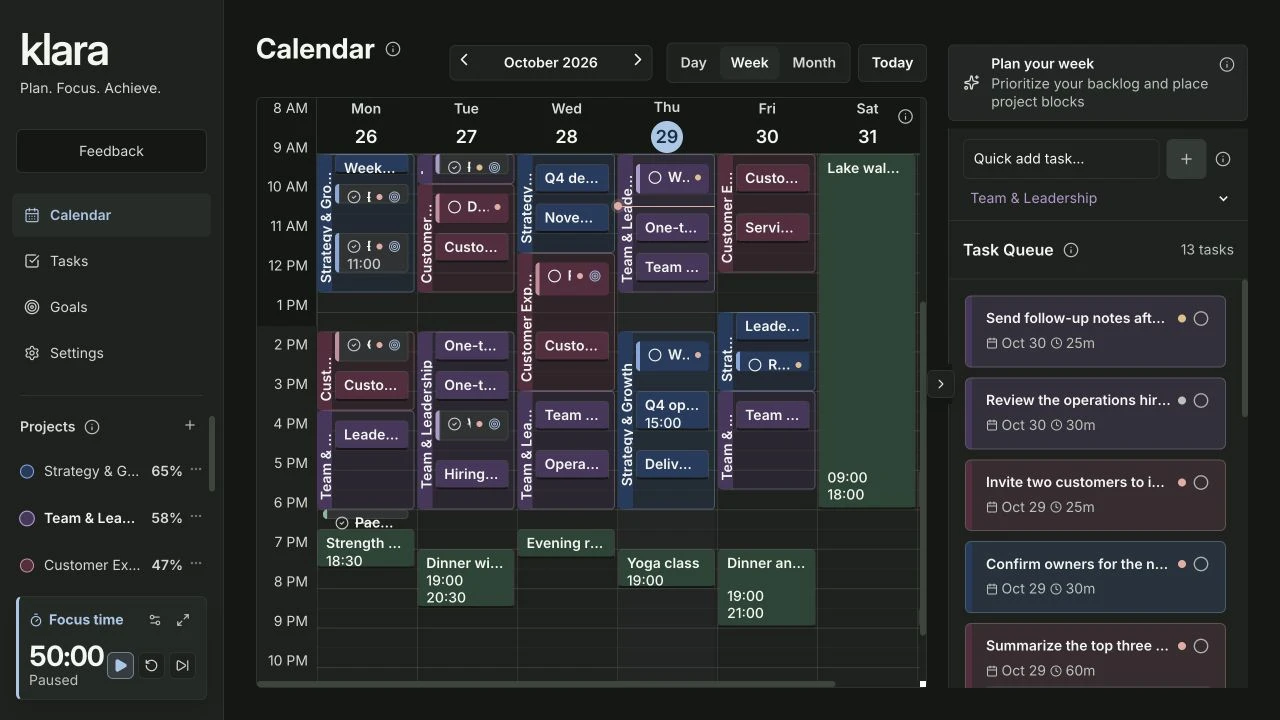
Create a calendar entry and choose Project Block. Select the project, give the block a clear title and set its start and end time. Maya reserves a morning for Team & Leadership so one-to-ones, preparation and follow-up work have a shared context.
| Layer | Question it answers | Example |
|---|---|---|
| Project block | Which area gets my attention? | Team & Leadership, morning |
| Event | What commitment happens then? | One-to-one with Aisha |
| Task slot | What work will I do? | Write a delegation plan, 45 minutes |
2. How do tasks connect to the block?
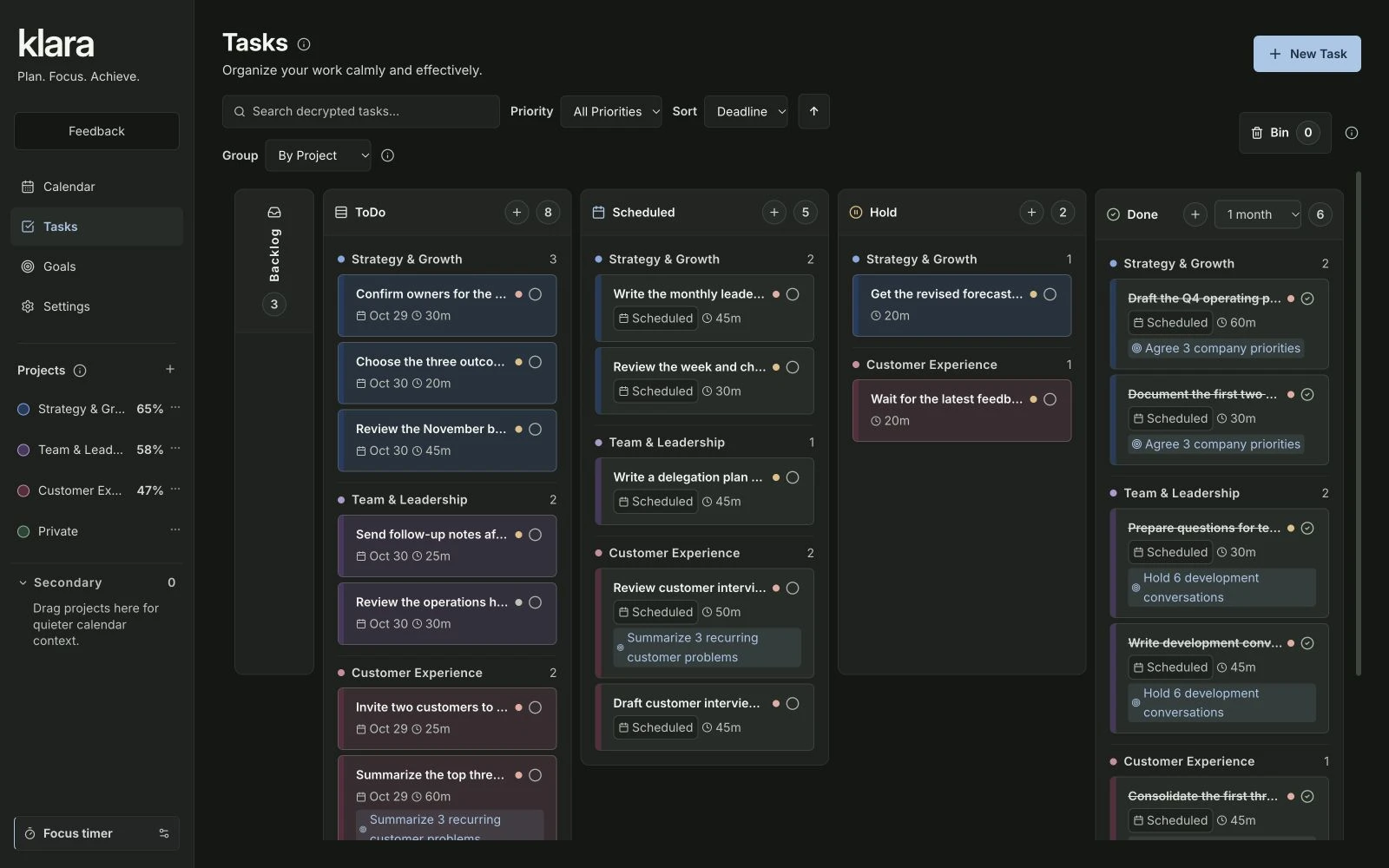
Put related tasks in the same project as the block. Klara uses that project connection to understand your planned work context. A matching color makes the relationship easier to scan, but the project assignment is what matters. Most tasks do not need a key-result link for this to work.
3. When does project context change what you see?
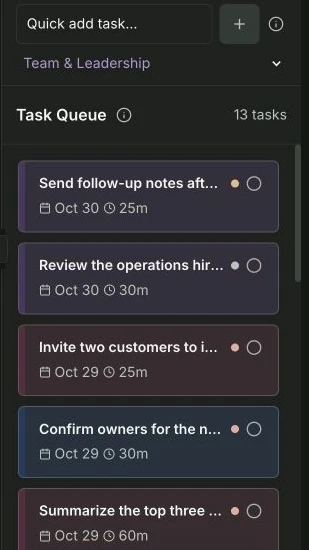
The project context comes from a block running at the current time, not simply from the date you are viewing. Matching open tasks get more weight in Calendar’s Task Queue. Quick add can suggest the active project; check its selection before creating the task. Use the same project assignment on the block and the tasks.
In Tasks, select Sort → Projects with ascending order to bring the active project forward. Other sort choices still follow their selected rule. Klara takes its context from your scheduled block and project assignments; you stay in control of which task to work on.
- BlockReserve project time
- ConnectAssign tasks to that project
- SurfaceRelevant tasks get a lift
- ChooseDecide your next action
| Signal | Effect on the queue |
|---|---|
| Running project block | Matching tasks receive a boost |
| Due date or overdue work | Time-sensitive tasks also receive weight |
| Task priority | Priority contributes to the order |
| Real calendar placement | Already scheduled tasks move down |
4. How do you keep project blocks realistic?
Start with a few blocks that reflect how you actually work. Give meetings, breaks and personal plans room too. Review the week when priorities change. Maya keeps sport in the evening and a lake walk on Saturday, instead of filling every empty hour with another work block.
Project blocks should reflect the time you actually have after fixed commitments. Check the capacity of your week →
About this guide and its examples
Published by Klara. Written with AI assistance; product behavior checked on . Active-block detection, project matching, Quick add suggestions and ascending Projects sorting were checked against the implemented task views.
Screenshots were captured in the fictional Maya Bennett demo workspace on 28–29 October 2026. Illustrative calculations and suggested OKR targets are examples, not measured customer results. For corrections or questions, use the contact details in our legal notice.